Converting PPT slides to PDF is a daily task for students, office workers, educators and small business teams. PDF files keep layout, fonts and content intact across all devices, making them ideal for sharing, presenting and archiving work.
Most basic online conversion tools come with obvious downsides. Many add large visible watermarks on every page of your converted file. Others require you to create an account and log in before unlocking basic conversion functions.
These extra barriers waste time, ruin the look of professional slides and even raise privacy concerns. If you need to convert PPT files frequently, these limitations quickly become frustrating.
A reliable Free PPT to PDF converter no watermark no signup solves all these common troubles at once. It delivers fully clean conversion results, asks for no personal information and stays completely free for every user.
This in-depth user guide explains the flaws of traditional conversion tools, core advantages of watermark-free and signup-free converters, essential features, real usage scenarios and a detailed step-by-step tutorial for all skill levels.
Common Problems With Regular Online PPT to PDF Converters
Standard web-based file converters are widely available, but they carry multiple drawbacks that affect both work efficiency and file quality.
Unavoidable watermarks on converted pages
Most free tools stamp logos, text labels or brand marks across PPT content after conversion. Watermarks make professional slides look unpolished and unfit for formal presentations or official sharing.
Mandatory account registration and login
Nearly all popular converters lock core features behind user accounts. You have to fill out forms, verify emails and set passwords just to convert a single PPT file. This adds unnecessary steps to a simple task.
Privacy risks for personal and work files
When you register an account, you upload your PPT documents to external servers. Confidential work slides, class projects or business presentations may face data leakage risks.
Limited conversion volume for free users
Many platforms set strict daily limits on file quantity or file size for guest users. You cannot process multiple large PPT files in one session without upgrading to a paid plan.
Slow loading and complicated interfaces
Bundled tools pack extra features you never need. Cluttered layouts and slow response times slow down your entire file conversion workflow during busy work hours.
Extra ads and pop-up windows
Free tools often display endless advertisements and redirect links. These distractions interrupt your work and create a poor overall user experience.
Key Benefits of Free PPT to PDF Converter No Watermark No Signup
Choosing a Free PPT to PDF converter no watermark no signup creates a smooth, efficient and secure file conversion experience for all types of PPT work.
100% watermark-free clean output
Every converted PDF page stays completely original. There are no hidden logos, text overlays or brand tags added to your slides. The full design, layout and visual style remain untouched.
Zero registration and no login required
You can open the tool and start converting files immediately. There is no need to enter your name, email or phone number. No account setup or repeated login steps are required on any device.
Complete file privacy protection
Since no user account is linked to your activity, your uploaded PPT files will not be stored permanently. Your personal, academic and business content stays safe and confidential after conversion.
Totally free for all core functions
All basic and practical conversion features remain free forever. You do not need to pay for upgrades or premium plans to get standard PPT to PDF conversion service.
Supports multiple file sizes and batches
Top tools in this category accept large PPT files and batch conversion. You can process several slide decks in one go without hitting strict usage limits.
Preserves original PPT layout and formatting
High-quality converters retain fonts, images, animations, text boxes and page arrangement. The final PDF looks exactly the same as your original PPT file.
Works on all common devices and browsers
You can use this tool on desktop computers, laptops, tablets and mobile devices. It runs normally on all mainstream browsers with no extra software installation.
Fast conversion speed for busy schedules
The streamlined design focuses only on PPT to PDF conversion. Files get processed in just a few seconds, even for long slide presentations with dozens of pages.
Must-Have Features of a Trusted Free PPT to PDF Converter No Watermark No Signup
Not all signup-free and watermark-free converters offer the same performance. When selecting a qualified Free PPT to PDF converter no watermark no signup, focus on these practical core features.
Full watermark guarantee for all output files
The best tools clearly promise no watermarks on every converted page. Avoid tools that add faint hidden marks or partial branding on free converted documents.
Pure guest access with no hidden prompts
The entire interface must work for guest users. There should be no pop-up windows asking you to sign up, subscribe or download additional software during or after conversion.
Accurate format and layout retention
PPT files contain complex elements like pictures, charts, tables and custom fonts. A good converter keeps all visual and text elements aligned correctly in the final PDF.
Batch conversion support
For users who handle multiple slide decks every day, batch conversion saves plenty of time. You can upload multiple PPT files and convert them all at once.
Flexible file size compatibility
Many large presentation files with high-resolution images exceed the limits of basic tools. A reliable converter supports large PPT files without conversion failures.
Simple one-click download function
After conversion finishes, you can download the finished PDF directly with one click. There are no complicated sharing steps or forced redirects before downloading files.
Lightweight and ad-free interface
A clean, ad-free layout lets you focus on file operations. Too many ads and extra buttons will slow down the tool and affect your daily work rhythm.
Basic page adjustment options
Useful extra functions like page rotation and simple page sorting add value. These small features help you fine-tune the PDF without opening extra editing software.
Common Usage Scenarios for Free PPT to PDF Converter No Watermark No Signup
A versatile Free PPT to PDF converter no watermark no signup fits a wide range of daily usage needs for students, teachers, office staff and small business owners.
Student class assignment and project submission
Students often need to turn PPT presentations into PDF for school submissions. A watermark-free and signup-free tool ensures clean work and protects personal class projects.
Teacher and educator teaching material sharing
Teachers convert course slides to PDF to share with students. Clean PDF files look professional and avoid distracting watermarks during classroom teaching or online sharing.
Office daily document processing
Office workers convert work reports, meeting slides and business presentations. No signup means fast operation, and no watermarks keep official documents formal and standard.
Business presentation and client communication
When sending presentation slides to clients or partners, clean PDF files build a professional brand image. Watermark-free content leaves a good impression on cooperation parties.
Personal slide archiving and storage
Many users convert PPT to PDF for long-term file archiving. PDF format is more stable, and the signup-free tool protects personal content privacy during conversion.
Online meeting and remote work sharing
During remote meetings, people share slides across different devices. Converting to PDF ensures consistent display, and the simple tool works well for quick on-the-spot file processing.
Event and activity presentation production
For offline events, lectures and community activities, organizers convert PPT slides to PDF. Clean output guarantees smooth display on different projection devices.
Step-by-Step Guide: How to Use Free PPT to PDF Converter No Watermark No Signup
Follow this simple, beginner-friendly workflow to complete PPT to PDF conversion quickly with a Free PPT to PDF converter no watermark no signup. The steps are easy to learn for all users.
Step 1: Prepare your original PPT files
Finish editing and checking your PPT slides first. Confirm all content, images and layouts are correct before conversion.
Organize your files clearly. If you need to convert multiple slides, put all PPT documents in one folder for easy selection later.
Step 2: Open the converter tool in your browser
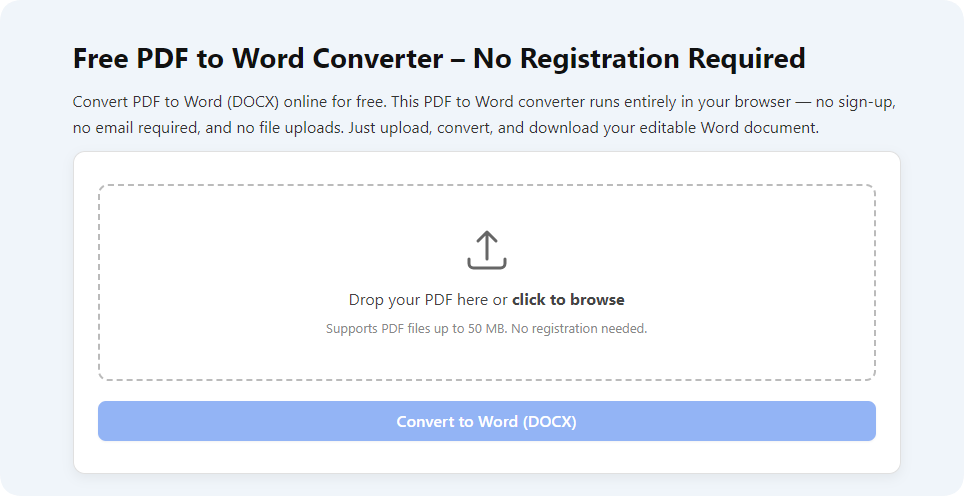
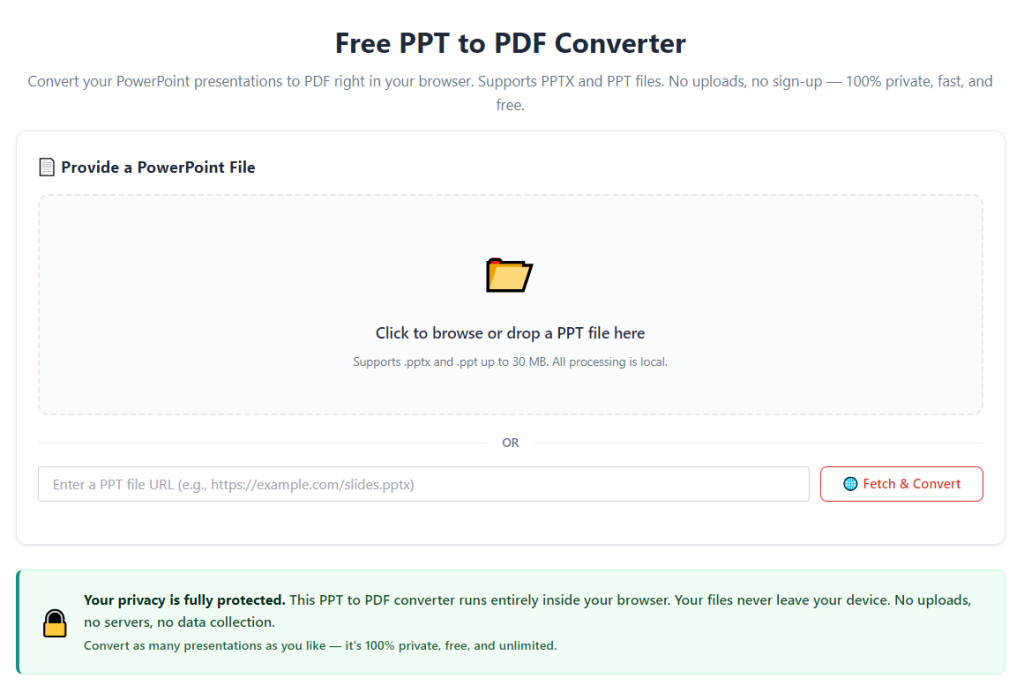
Launch the tool on your regular browser. You will enter the main working page directly. There are no login boxes, registration forms or welcome pop-ups.
Take a quick look at the main interface. Locate the file upload area, conversion button and download section to get familiar with basic operations.
Step 3: Upload your PPT files
Click the upload area to open your local file folder. Select the single PPT file or multiple PPT files you want to convert.
You can also drag and drop PPT files directly into the upload zone. This method is faster for users who need frequent file conversion.
Wait a moment for file uploading. The progress bar will show the upload status, especially for large presentation files.
Step 4: Check basic conversion settings (optional)
Most standard conversion uses default settings. If you have special needs, adjust simple options like page orientation or quality mode.
For daily sharing and presentation, keep the default quality. High-quality mode is suitable for files with a large number of high-definition images.
Step 5: Start the PPT to PDF conversion
Click the convert button to start processing your uploaded files. The tool will transform PPT content into standard PDF format automatically.
The whole process only takes several seconds. Do not close the browser page during conversion to avoid file damage.
Step 6: Preview the converted PDF (optional)
After conversion completes, many tools offer a quick preview function. Click the preview button to check pages, layouts and content display.
Confirm there are no missing elements, misplaced pictures or distorted text. Also verify that no watermarks appear on any page.
Step 7: Download the finished watermark-free PDF
Once you confirm the file quality, click the download button to save the PDF to your local device.
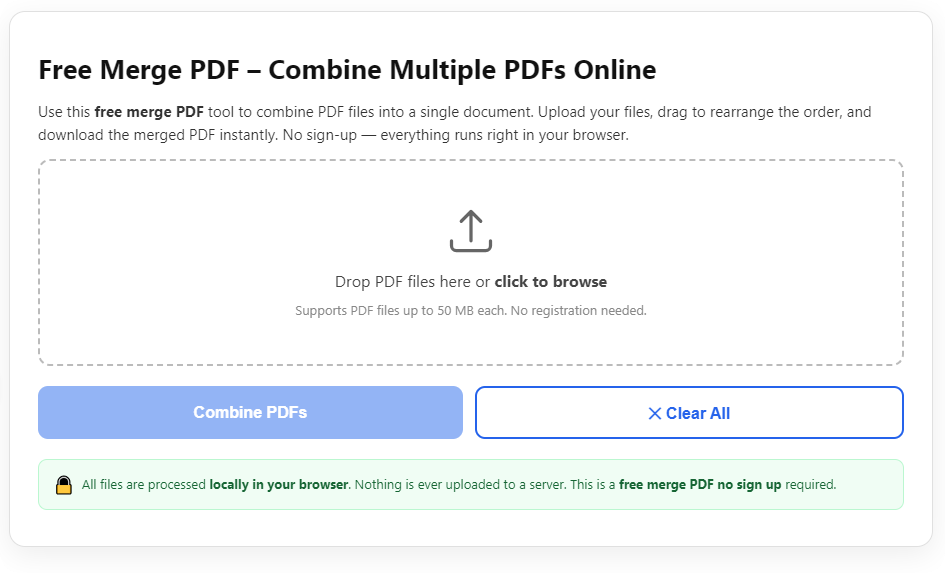
If you use batch conversion, you can download each file separately or download all converted PDFs as a compressed package.
Step 8: Organize and use your PDF files
Move the downloaded PDF to your target folder. You can now share, print, present or archive the file as you need.
If you have more PPT files to process, repeat the above steps directly. No re-registration or repeated login is needed for new tasks.
Common Mistakes to Avoid When Using the Converter Tool
Even with a reliable Free PPT to PDF converter no watermark no signup, some small mistakes will affect file quality and conversion efficiency. Keep these points in mind during operation.
Uploading damaged or incomplete PPT files
Corrupted slides or half-edited PPT files may cause conversion failure. Always check and repair original files before uploading to the tool.
Ignoring file size limits
Although high-quality tools support large files, extremely oversized PPT may still run slowly. Split extra-large slide decks into smaller parts for smoother conversion.
Closing the page during uploading or conversion
Interrupting the process halfway will result in incomplete or broken files. Wait until all progress bars finish before operating the browser.
Forgetting to preview before downloading
Individual complex PPT with special effects may have minor layout changes. A quick preview helps you find problems early and re-convert in time.
Mixing different file formats during batch upload
This tool is designed for PPT to PDF conversion. Do not upload Word, pictures or other formats together, which will cause batch conversion errors.
Using untrusted similar tools
Some fake tools claim to be no watermark and no signup, but add hidden marks after download. Stick to stable and well-performing converters for long-term use.
Practical Tips to Improve Conversion Experience
Use these simple tips to get the best results from a Free PPT to PDF converter no watermark no signup and optimize your daily file processing workflow.
Bookmark the tool on your browser. You can open it with one click next time and start conversion immediately without searching again.
Compress large images inside PPT first. Reducing picture size will speed up uploading and conversion, especially for long presentation slides.
Classify PPT files in advance. Separate work files, study files and personal files to manage converted PDFs more clearly after downloading.
Use batch conversion for regular work. If you need to process multiple slides every week, batch operation will cut down a lot of repetitive work.
Keep a backup of original PPT files. Even after converting to PDF, save the source slides for future editing and revision needs.
Test layout display on different devices. After conversion, open the PDF on mobile and desktop to make sure the format works for all sharing scenarios.
Final Thoughts
PPT to PDF conversion is an essential part of modern study and office work. Clean, standard PDF files ensure smooth sharing, presenting and archiving for all kinds of slides.
Traditional online converters bring many troubles: annoying watermarks, forced account registration, privacy risks and usage limits. These small obstacles accumulate and affect daily work efficiency.
A professional Free PPT to PDF converter no watermark no signup completely solves these pain points. It provides pure, clean conversion results, protects user privacy, requires no registration and keeps all core functions free.
Whether you are a student, teacher, office employee or small business marketer, this lightweight and practical tool adapts to all your PPT conversion needs. Its simple operation and stable performance suit users of all ages and technical levels.
By following the step-by-step usage guide and avoiding common operating mistakes, you can finish PPT to PDF conversion quickly and easily every time. You will enjoy a faster, safer and more convenient file processing experience for all your presentation work.
After learning the operation method, click the link below to enter the tool page for immediate use.